03 · tool · Workflow runner
Creative os
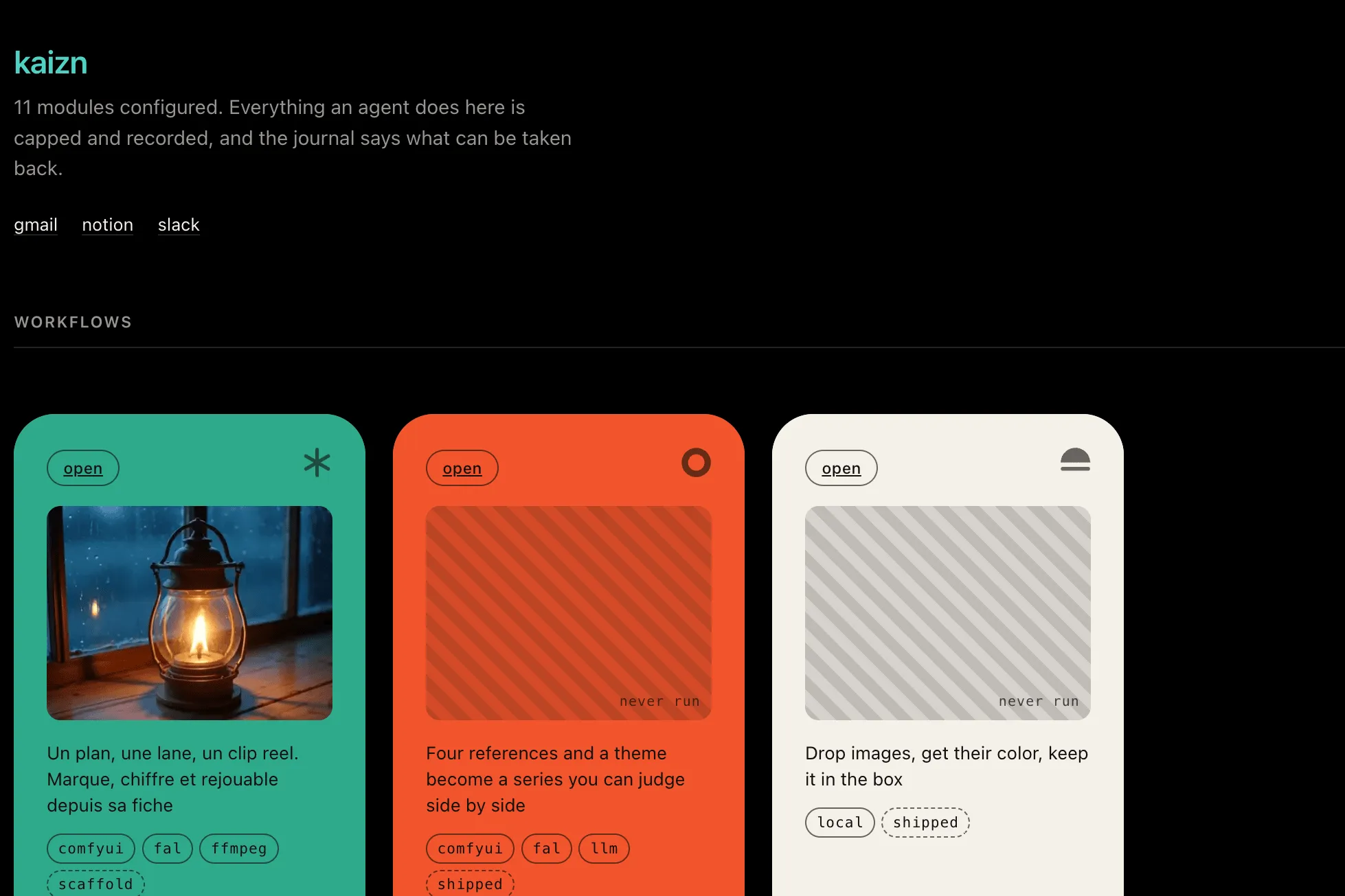
Your creative stack lives in a node graph that one specialist can run. Everyone else waits for that person.
Anyone on your team can run the whole stack, without ever opening the node graph.
- Every run capped, recorded and reversible
- Fill a form, the graph runs underneath
- Uses the tools you already pay for
The same gate stands in front of my runs and yours.
01
What the tool does today
Every client gets their own dashboard and their own workflows on one shared core. Nothing about a client lives in the code, it lives in that client's own configuration.
One page per client
One page per client: what still needs a human, what can be undone, the circuit breaker. A session stays locked to the client who signed in, and reaching another one gets a plain 404, never a hint that it exists.
A form, not a graph
A workflow is a ComfyUI graph plus a short manifest saying which inputs become knobs: text, a number, a toggle, a choice, an image, a seed. Your team fills the form. Nobody opens the graph.
One brief, four models
Drop in a style reference and it becomes a structured brief. The same prompt goes to four image models at once and every result lands on one grid, so you choose by what is on screen, not by who knows which tool.
Capped runs, undoable actions
A run that hits its per-run or per-day limit stops and says so. It never pushes through. Every action that changes something writes down its own way back, in plain language, and anything with no way back has to declare it first.
One door to every server
A local GPU, a cloud endpoint and an offline mock look the same to a workflow. Before anything is sent, the graph is checked against the server that will run it, so a missing model tells you its name instead of a failure code.
Look-lock and previz
Look-lock holds a project to its own art direction, with a drift threshold you set. Previz turns a brief into a shot list, boards and an animatic, then re-renders only what the brief changed.
Continuity farm and conform
Continuity farm replays a pinned recipe across a batch of shots. Conform & deliver turns review comments into an EDL, then into every delivery format, with QC standing in the way.
Living set and content factory
Living set carries that same art direction into a live TouchDesigner show, with a blackout failsafe. Content factory moves cards across a production board. It never publishes.
02
How it works
One kernel, six checkpoints between a signal arriving and an action touching the real world. A module plugs in; it never skips a step.
- 01
Intake
A webhook, a watched folder or a schedule queues one item per signal, deduplicated by key.
- 02
Queue
Scoped to one client and one module. A failed item is kept for inspection, never quietly dropped.
- 03
Prioritizer
Cautious by default: no matching rule, or a rule that errors, goes to a human.
- 04
Overseer
A gate that stays shut by default, right before anything touches the world: irreversible needs a person's approval, outward needs the module's own authorization.
- 05
Executor
The only sanctioned way a module acts. Tests verify that none gets around it.
- 06
Ledger
Every action writes its own undo recipe. Undo replays it and marks the entry done, it never rewrites the record.
03
How it can grow
What stays out is as deliberate as what ships next.
Back toward ops, on request
Five modules for a studio's own back office, inbox drafting, prospecting, delivery paperwork, knowledge filing, project staleness, were built, tested, then removed on purpose: they automate admin, not a creative's work. Each one is still recoverable from its tag.
The model grid, calibrated live
The four-model comparison runs and has been tested offline. What is ahead is running it live, and using it to settle one open question: whether generated lettering can carry real text, or only its shape.